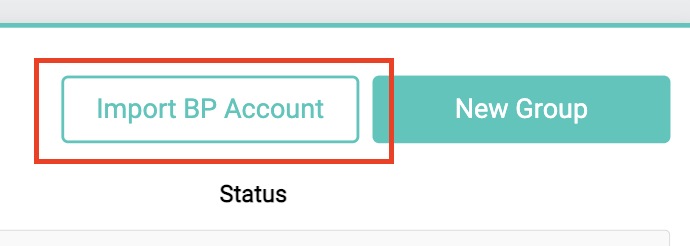
Within the "Employer Groups" view, in the upper right hand corner, you can import BenefitPoint accounts by tapping the "Import BP Account" button.
A popup will prompt you to enter the BenefitPoint account ID number or the account name.
The account ID can be found in your web browser URL when viewing an account in BenefitPoint.

If you don't see your account name populate, click the Click here if you don’t find your Account link.
This will update the available accounts, and should allow you to find your account.
Select the desired account and tap "Import".
A PerfectQuote Employer Group will be created, pulling in basic Account information from BenefitPoint (such as account name, address, SIC code), as well as any plans you may choose to import.
Comments
0 comments
Please sign in to leave a comment.