In order to connect your PerfectQuote Firm instance to Employee Navigator, log in as a Firm Admin and navigate to FIRM SETTINGS > INTEGRATIONS.
- Tap the "Edit" button in the lower right corner.
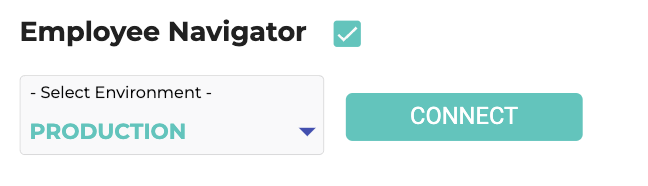
- Select the "Employee Navigator" checkbox
- Select the Employee Navigator Environment to connect to. Most likely:
- "Production" in order to send real plans.
- "QA" for testing.
- Tap the "CONNECT" button.
- Tap the "Save" buttonin the lower right corner.
After a few seconds of exchanging data, your PerfectQuote Firm will be ready for you to send plans to Employee Navigator! Upon confirming a Plan Order, you will be taken to the Employee Navigator website in the browser, and prompted to login with your Employee Navigator username and password.
Comments
0 comments
Please sign in to leave a comment.